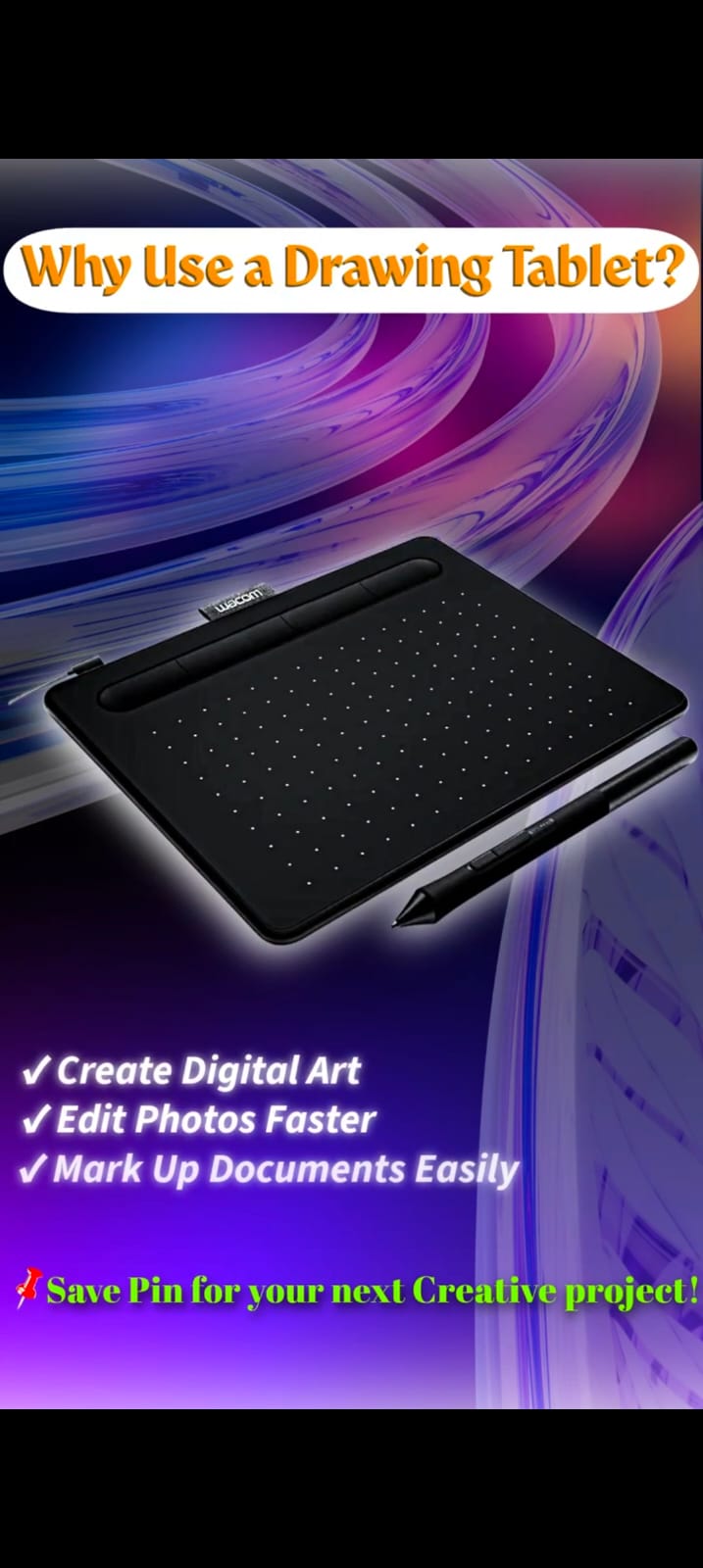
Digital art gear spans several genuinely different categories, and it's easy to either overspend on the wrong priority or underinvest in something that would actually improve your work. Here's a practical way to think about where money matters most.
Tier 1: The Tablet Itself
This is the one piece of gear you genuinely cannot skip — see our beginner's guide to drawing tablets for how to choose. If your budget is limited, this is where the majority of it should go first.
Tier 2: Display Quality
Once you have a working tablet, the monitor you're looking at while you draw becomes the next highest-impact upgrade — color accuracy and panel quality directly affect whether what you see matches what you'll actually export. See our 4K monitor review for what specs matter here.
Tier 3: Input Ergonomics
A mouse or secondary input device suited to long, detail-oriented sessions (see our MX Master 3S review) becomes worth prioritizing once you're doing longer sessions regularly and any hand or wrist fatigue starts showing up.
Tier 4: Accessories (Stands, Grips, Screen Protectors, Gloves)
Individually inexpensive, but easy to overspend on collectively if you buy them all preemptively before knowing which specific problems you actually have. Our guides to tablet stands, screen protectors, and artist gloves each cover when a specific accessory is worth it versus unnecessary for your situation.
Tier 5: Desk Setup and Lighting
Matters most for people doing long sessions regularly, less urgent for occasional or short-session use. See our desk setup guide for a practical build order.
A Reasonable Overall Spending Order
If you're building a digital art setup from nothing on a limited budget: tablet first, then display quality, then address any comfort/ergonomic issues that actually show up as you use the setup, then accessories as specific needs become clear. Buying every accessory upfront before you know what problems you actually have is the most common way to overspend without a proportional improvement in your work.
Frequently Asked Questions
Is it worth buying a premium tablet if I'm still a complete beginner?
Generally no — see our beginner's guide for the reasoning. A mid-range or entry-level tablet lets you build the core skill without a large upfront investment, and you'll have a much clearer sense of what you actually need once you've been drawing digitally for a while.
What single upgrade gives the most noticeable improvement for an established digital artist?
It genuinely depends on your current setup's weakest point — there's no universal answer. Display color accuracy matters most for color-sensitive work; ergonomics matter most if you're doing long sessions; a better tablet matters most if your current one is limiting your control.