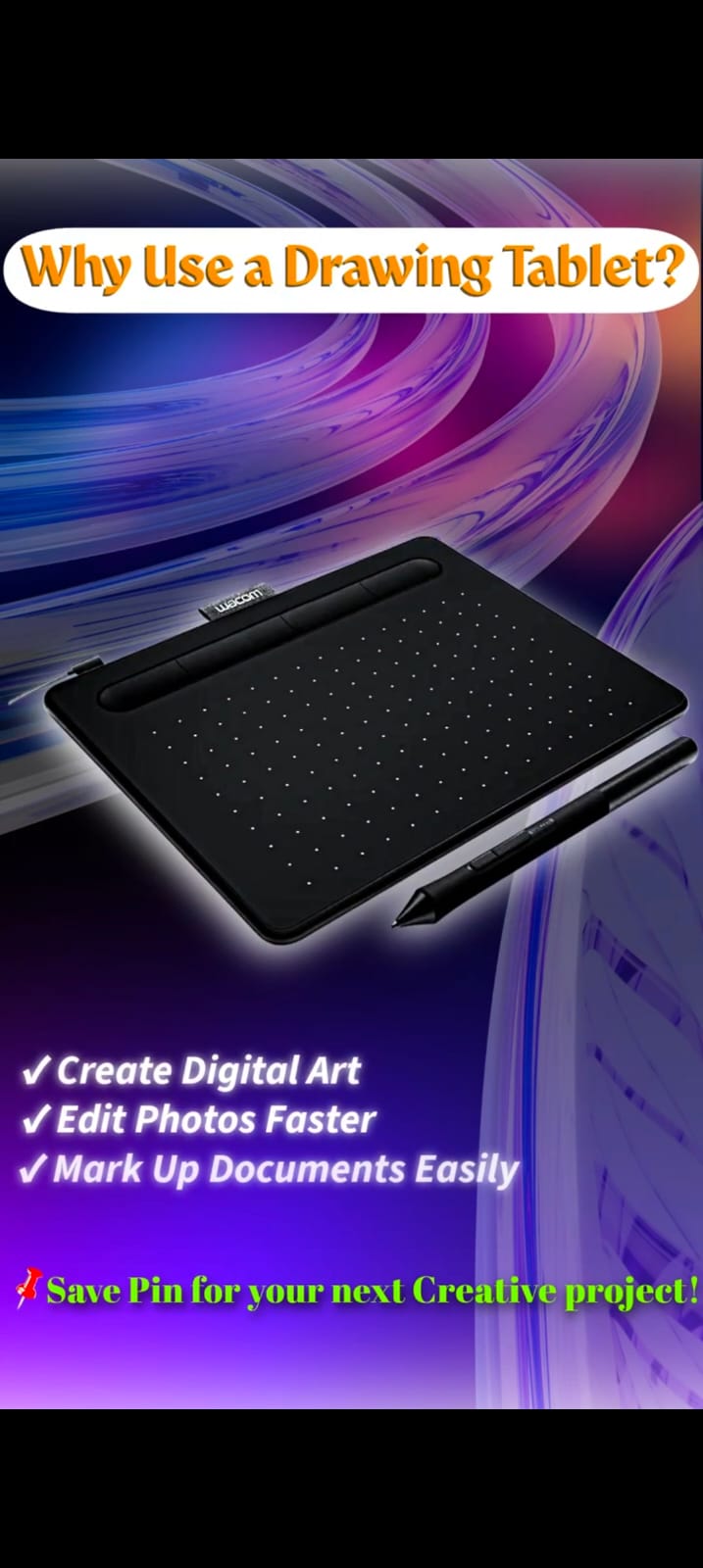
If you've never used one, a drawing tablet can look like a strange piece of equipment: a flat surface you draw on while looking at a completely separate screen. That disconnect is the single biggest hurdle for beginners — not the price, not the software, not the brand. Understanding why that gap exists, and how quickly it closes with practice, is the real starting point for choosing your first tablet.
What a Drawing Tablet Actually Does
A drawing tablet translates the position and pressure of a pen into input your computer's art software can read. Move the pen across the tablet's surface, and the cursor moves on your monitor. Press harder, and — depending on the software's brush settings — the line gets thicker, darker, or more opaque. That's the entire mechanism. Everything else (screen size, pressure levels, tilt support) is refinement on top of that basic input.
The Three Types, and Which One You Actually Need
Pen tablets (sometimes called "graphics tablets") have no screen at all — you draw on a blank surface while watching the result on your monitor. This is the category most beginners should start with. It's the cheapest option, and because the hand-eye disconnect is the real skill you're building, starting cheap while you build that skill makes financial sense.
Pen displays (or "screen tablets") let you draw directly on a screen showing your work — closer to drawing on paper, and closer to what a pen tablet display like a Wacom Cintiq offers. They remove the hand-eye disconnect entirely, at a significantly higher price.
iPads with Apple Pencil are effectively a portable pen display with the software built in. They're a legitimate third option, particularly if portability matters to you, but they lock you into iPadOS apps rather than desktop software like Photoshop or Clip Studio Paint on a computer.
What Actually Matters When Choosing One
Two specs get disproportionate attention relative to how much they matter in practice:
- Pressure sensitivity levels (e.g. 8,192 vs 16,384) — the difference is not perceptible to most people's hands. Don't pay a premium chasing this number alone.
- Active area size — this matters more. It should roughly match your monitor's aspect ratio so your hand movements map predictably to cursor movements. A tablet that's too small relative to your screen makes precise work frustrating regardless of its other specs.
Software compatibility and driver stability matter more day-to-day than either of those specs — a tablet with occasional driver glitches will frustrate you far more than one with "only" 8,192 pressure levels.
Realistic Expectations for Your First Week
Almost everyone finds the hand-eye disconnect awkward at first, even people who draw well on paper. This is normal and it passes with regular use — usually within a couple of weeks of consistent practice, not months. If you find yourself wanting to give up in the first few sessions, that's the expected difficulty curve, not a sign you bought the wrong tablet.
Common Mistakes First-Time Buyers Make
The most expensive mistake is buying a screen tablet before confirming you'll actually stick with digital art — a cheaper pen tablet teaches the same fundamental skill for a fraction of the cost, and you can always upgrade later once you know you'll use it. The second most common mistake is judging tablets purely by pressure-level count, for the reason above.
Frequently Asked Questions
Do I need a screen tablet to do serious digital art?
No. Many professional illustrators work on plain pen tablets for years. A screen tablet is a comfort and workflow upgrade, not a requirement for quality output.
How long does it take to get used to a pen tablet?
Most people adjust within a couple of weeks of regular practice. It varies by person, but the awkward hand-eye disconnect phase is temporary for nearly everyone who sticks with it.
Can I use a drawing tablet for things other than art?
Yes — many people use them for photo retouching, note-taking, and even general navigation, though the pressure-sensitivity features are specifically valuable for art and design work.