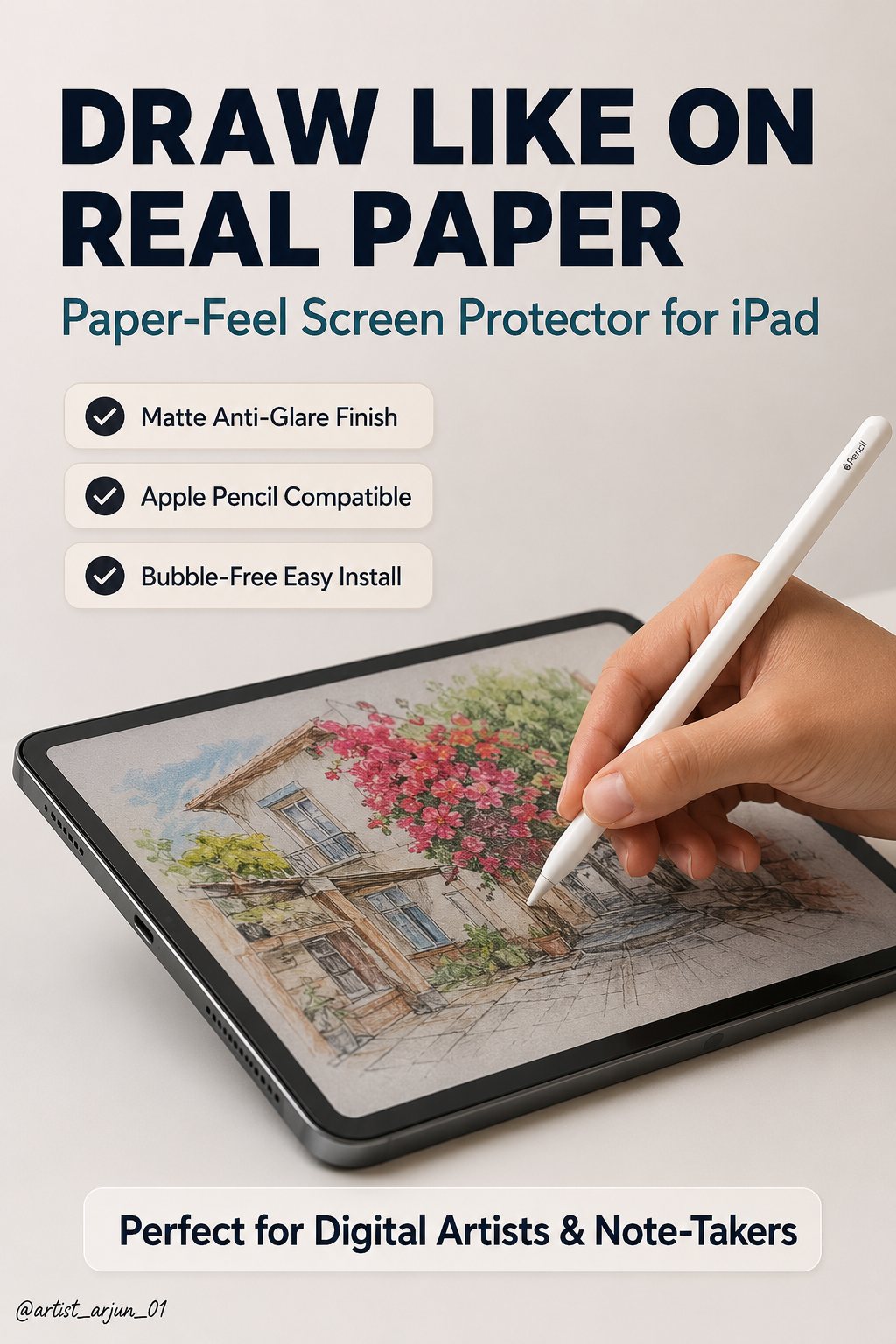
Screen protectors for drawing tablets and iPads serve a different purpose than phone screen protectors — the goal isn't primarily scratch protection, it's changing how the pen feels against the surface.
What "Paper-Like" Actually Means
Bare glass and glossy plastic tablet surfaces are extremely smooth, which can feel slippery compared to drawing on real paper's slight texture (called "tooth"). A matte, textured screen protector adds friction that more closely mimics that paper feel, giving more resistance and control for people who find bare glass too slick.
The Real Tradeoffs
This isn't a strictly-better upgrade — there are genuine costs:
- Some clarity/glare reduction. A textured surface will diffuse light slightly differently than bare glass, and screen sharpness can appear marginally softer. This is an expected tradeoff of the texture, not a defect.
- Faster nib wear. The added friction that creates the paper-like feel also wears down your pen's nib faster than bare glass would. Budget for more frequent nib replacement — see our nib replacement guide.
- It's a personal preference, not a universal improvement. Some artists strongly prefer the added resistance; others find bare glass perfectly comfortable and see no reason to add texture. There's no objectively correct answer.
Who Should Consider One
Worth trying if you specifically find bare glass too slippery, or if you're used to traditional paper drawing and want the digital experience to feel closer to that. Not necessary if you're already comfortable with your tablet's bare surface — this is a comfort preference, not a functional requirement.
Application Tips
Clean the screen thoroughly before application — any dust trapped underneath will be visible and can create a small bump under the protector. Most matte protectors are more forgiving of minor dust than clear glossy ones, but it's still worth taking care during application.
Frequently Asked Questions
Will a screen protector reduce my tablet's touch or pressure sensitivity?
A quality screen protector designed for drawing shouldn't meaningfully reduce pressure sensitivity, since it sits on top of the touch-sensing layer rather than interfering with it. Some very thick or poor-quality protectors can occasionally affect sensitivity slightly — this is more a quality-control concern than an inherent property of screen protectors generally.
Can I remove a screen protector if I don't like how it feels?
Yes, most are designed to be removable, though repeated application/removal can reduce adhesive effectiveness. It's reasonable to try one and remove it if the texture isn't for you.