A creative workspace has slightly different demands than a general home office — longer stationary sessions, more screen-dependent work, and often a mix of focused solo work and on-camera content creation.
Lighting: Two Distinct Needs
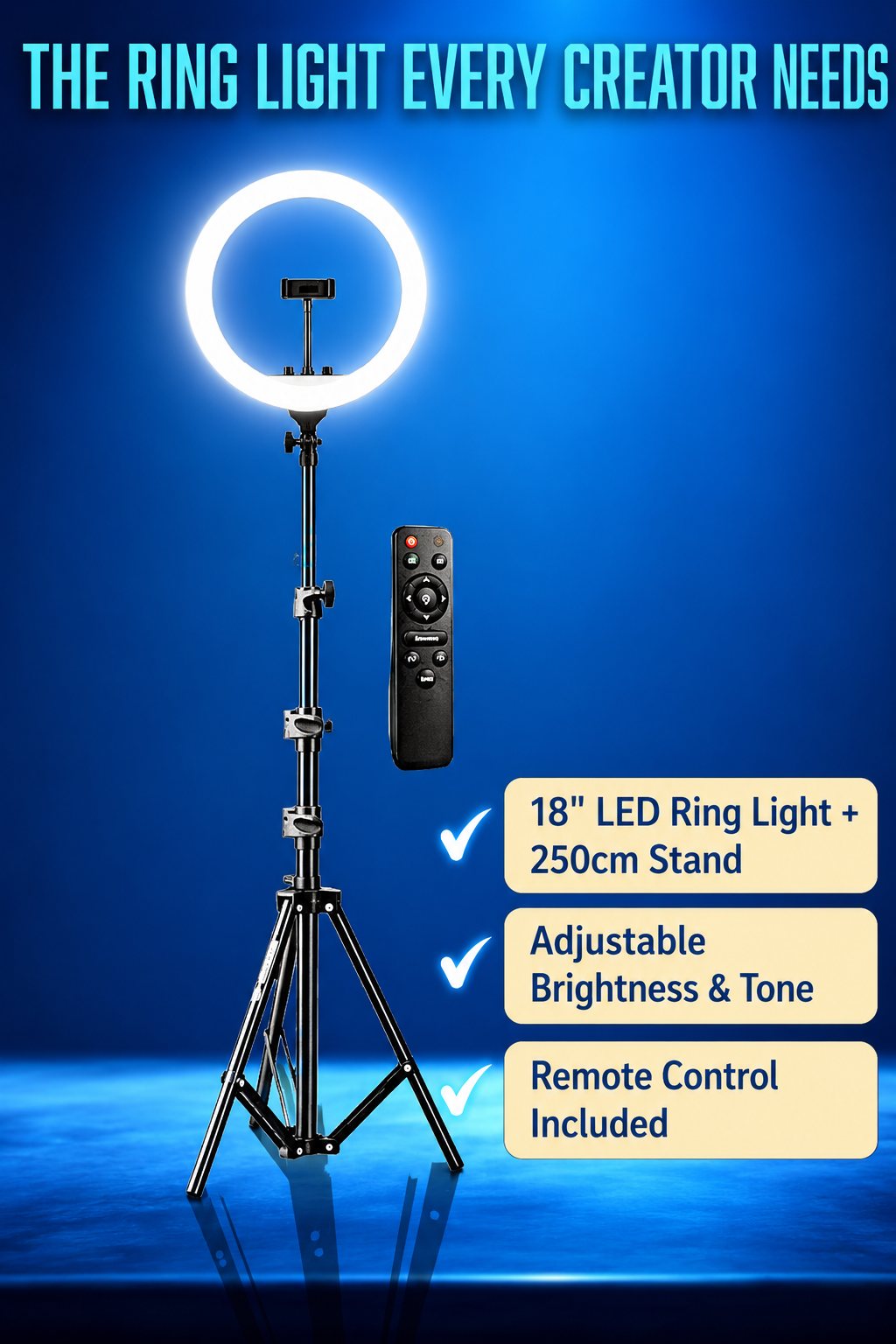
Creative workspaces often need two different kinds of lighting solving two different problems: ambient/screen lighting for focused work (see our light bar vs. ring light comparison for the distinction), and face lighting if you also record video or stream. Trying to use one light source for both purposes usually serves neither well — a light bar isn't positioned to flatter your face on camera, and a ring light isn't positioned or color-tuned for reducing screen glare during focused work.
Ergonomics for Extended Sessions
Creative work often involves longer, more continuous stationary sessions than typical office work — deep focus states are common and valuable, but they also mean you're less likely to naturally get up and move. This makes the ergonomic fundamentals (screen height, seating, input device comfort) matter more than they might for a job with more natural movement built in. See our desk setup guide for the specifics.
Organization for a Mixed-Media Workspace
If your work spans both digital and traditional media — sketchbooks, watercolor supplies, a drawing tablet, a camera for content — organization matters more than in a purely digital setup, since physical supplies need storage that digital files don't. Keeping traditional supplies in a defined, accessible area (rather than scattered across the desk) reduces the friction of switching between media, which matters if you actually do switch between them regularly.
Sound and Distraction Management
Long creative sessions benefit from minimizing interruption — this is more about workspace placement and household communication (a closed door, a "focused" signal) than gear, but it's a real factor worth planning for rather than assuming a good desk setup alone solves focus.
Building Incrementally, Not All at Once
A common mistake is trying to build the "perfect" creative workspace in one purchase spree. It's more effective to identify your actual pain points through use — what's genuinely uncomfortable or inconvenient after a few weeks of real work — and address those specifically, rather than guessing at a complete setup in advance.
Frequently Asked Questions
Do I need separate lighting for streaming and for regular design work?
If you do both regularly, yes — they solve different problems (see our light bar vs. ring light comparison). If you only do one, you only need the tool built for that specific purpose.
How much should I spend building a creative workspace from scratch?
There's no universal number — it depends heavily on what you already have and which ergonomic problems you're actually experiencing. Building incrementally based on real, identified pain points tends to result in better spending than an upfront complete-setup purchase.