Product Overview
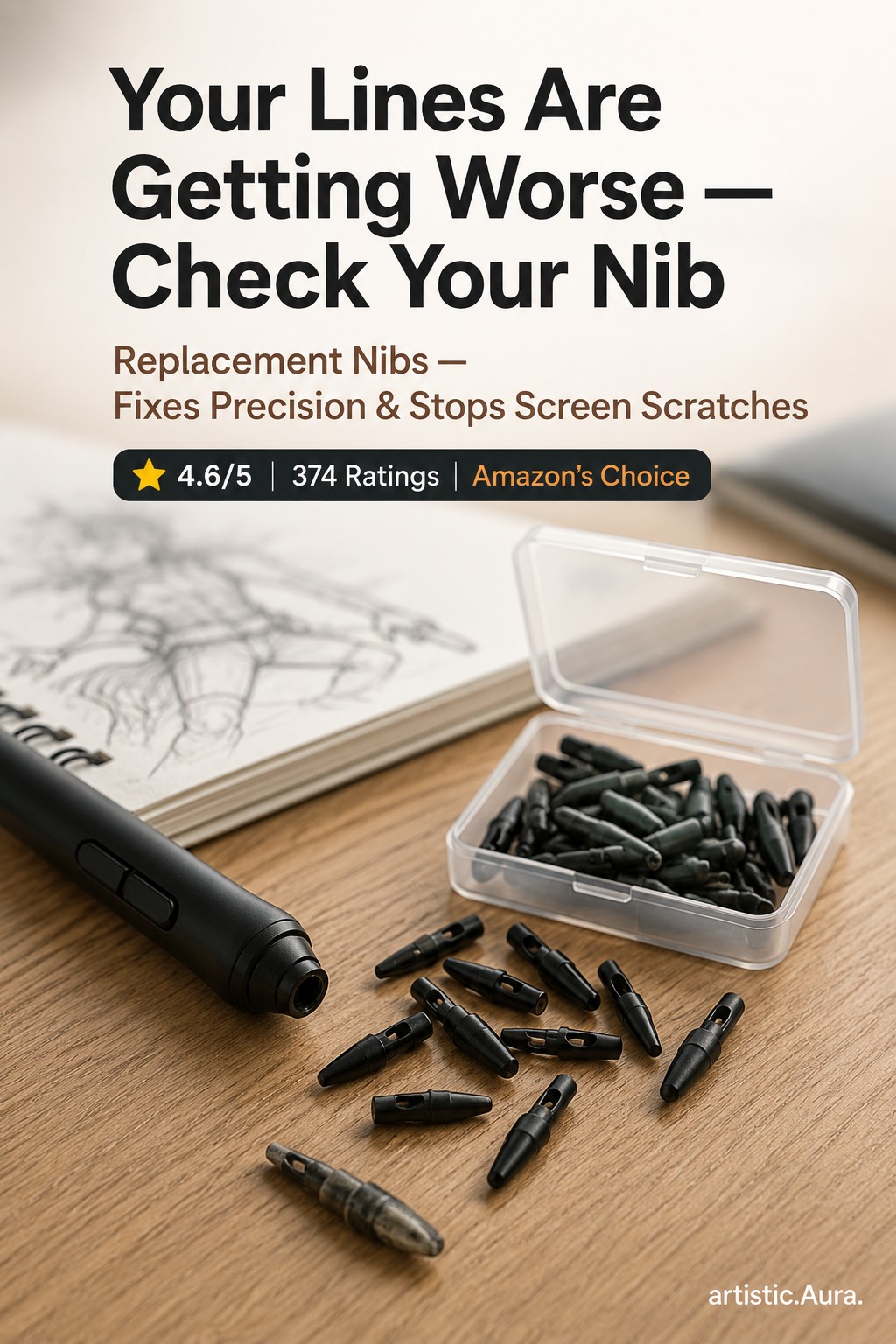
A worn stylus nib doesn't feel like a hardware problem - it feels like your tablet has gotten worse. Lines start dragging, precision drops, and in some cases a flattened or chipped nib can scratch your tablet's screen or screen protector over time.
This 20-pack gives you a long runway of replacements without needing to reorder for a while, and covers a wide range of XP-Pen models rather than one specific pen.
Compatible with XP-Pen Star 01-06, G430S, G640, G640S, Deco01, Deco01 V3, Deco03, and Deco mini series.
Who Should Buy This
✓ Good fit if…
anyone with an XP-Pen tablet who's noticed reduced glide or precision, and anyone who wants spares on hand rather than waiting on a reorder mid-project.
✗ Consider alternatives if…
No specific "who should avoid this" guidance is documented for this product yet — compare the feature list above against your own needs.
Advantages
- 20 Replacement Nibs
- Compatible with Multiple XP-Pen Models
- Fixes Dragging & Scratchy Lines
- Prevents Screen Scratching from Worn Tips
Understanding the Key Specs
Specific technical specifications for this exact model beyond what is listed above have not been independently verified for this page.
Limitations
As of the last check, the India Amazon listing for this exact pack showed as currently unavailable — the US link is confirmed active. If the India link is down when you look, that's a known, disclosed issue with stock, not a broken link on this page.
Common Buying Mistakes
No category-specific buying mistakes have been documented for this page yet.
Buying Considerations
Before buying anything in the drawing tablets category, confirm current price, seller, and return policy directly on the Amazon listing — those details can change after this page was published on 2026-07-24.
Setup & Compatibility
No specific compatibility details are documented for this product yet — check the current Amazon listing for OS, device, and connector requirements.
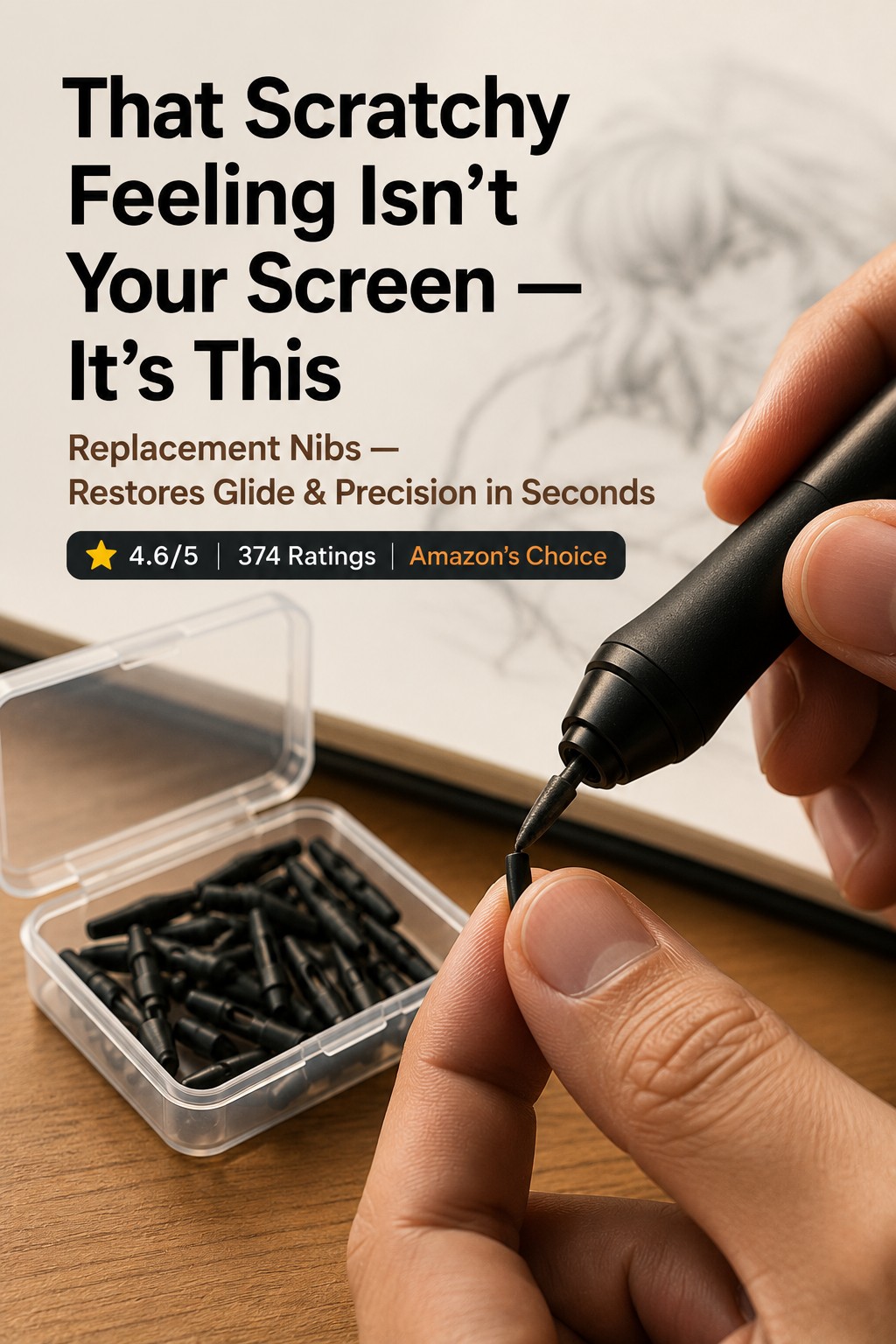
Most XP-Pen pens use a metal nib-removal tool (usually included with the tablet) — grip the old nib, pull straight out along the pen's axis, then push a new nib firmly into the socket until flush. See our stylus nib replacement guide for the general process in more detail.
Maintenance & Care
Nibs wear faster on textured/matte screen protectors than on bare glass. Check nib condition periodically rather than waiting for line quality to noticeably degrade.
Frequently Asked Questions
Is this available to ship outside India?
Yes — this page includes both an India Amazon link and a separate US Amazon link, and the "Buy on Amazon" button below routes automatically based on your location.
Is this an affiliate link?
Yes. See the affiliate disclosure below — buying through the link may earn this site a small commission at no extra cost to you.
Alternatives & Similar Products
How It Compares
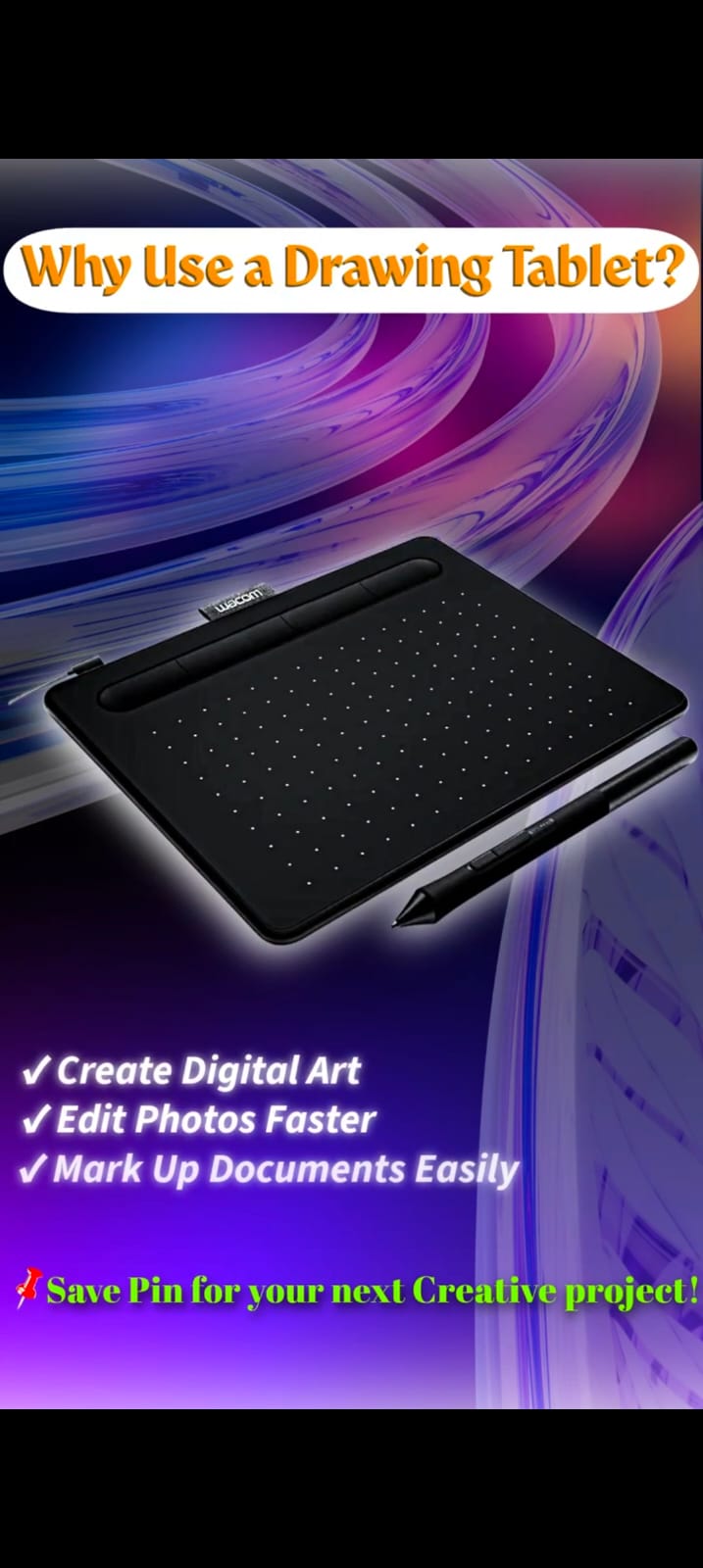
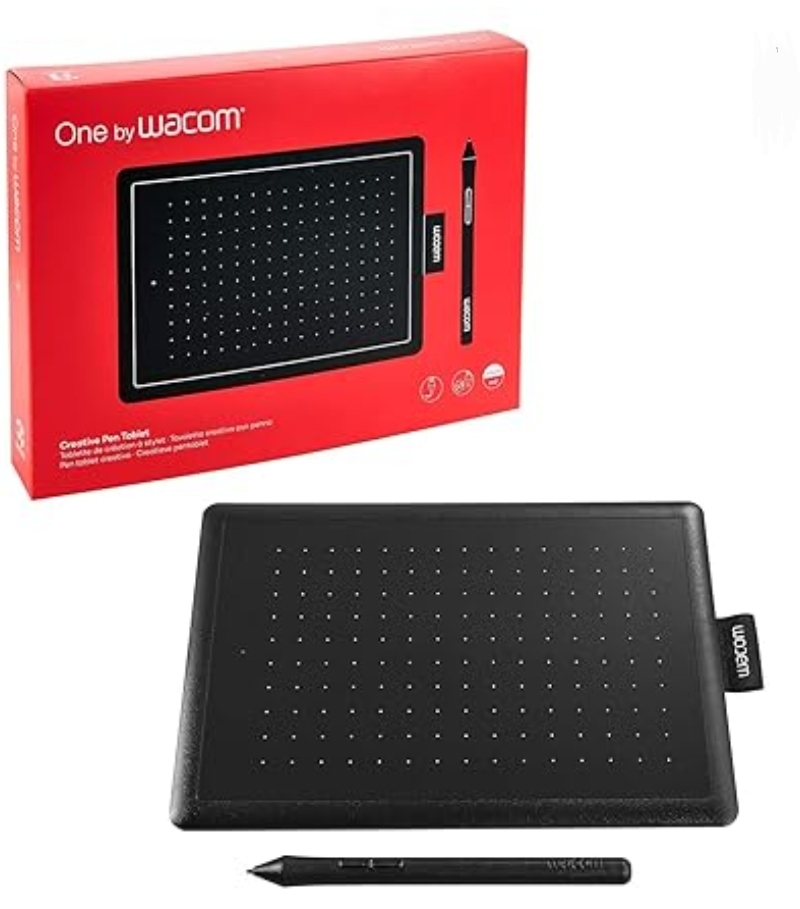
| Feature | XPPen Replacement Nibs (20-Pack) | Wacom Intuos Drawing Tablet | One by Wacom Small Digital Drawing Tablet |
|---|---|---|---|
| Category | Drawing Tablets | Drawing Tablets | Drawing Tablets |
| Key feature #1 | 20 Replacement Nibs | Pressure-Sensitive Pen | 2048 Pressure Levels |
| Key feature #2 | Compatible with Multiple XP-Pen Models | Works with PC/Mac | Battery-Free Pen |
Price and star-rating rows are intentionally omitted — this site doesn't display numbers it can't verify in real time. Check each product's current price and rating directly on Amazon.
Final Verdict
Weigh the features and fit above against your own needs, then check the current price, availability, and customer feedback on the Amazon listing linked below.
Affiliate disclosure: this is an Amazon affiliate link. Buying through it may earn this site a small commission at no extra cost to you — see the full Editorial Policy.