Product Overview
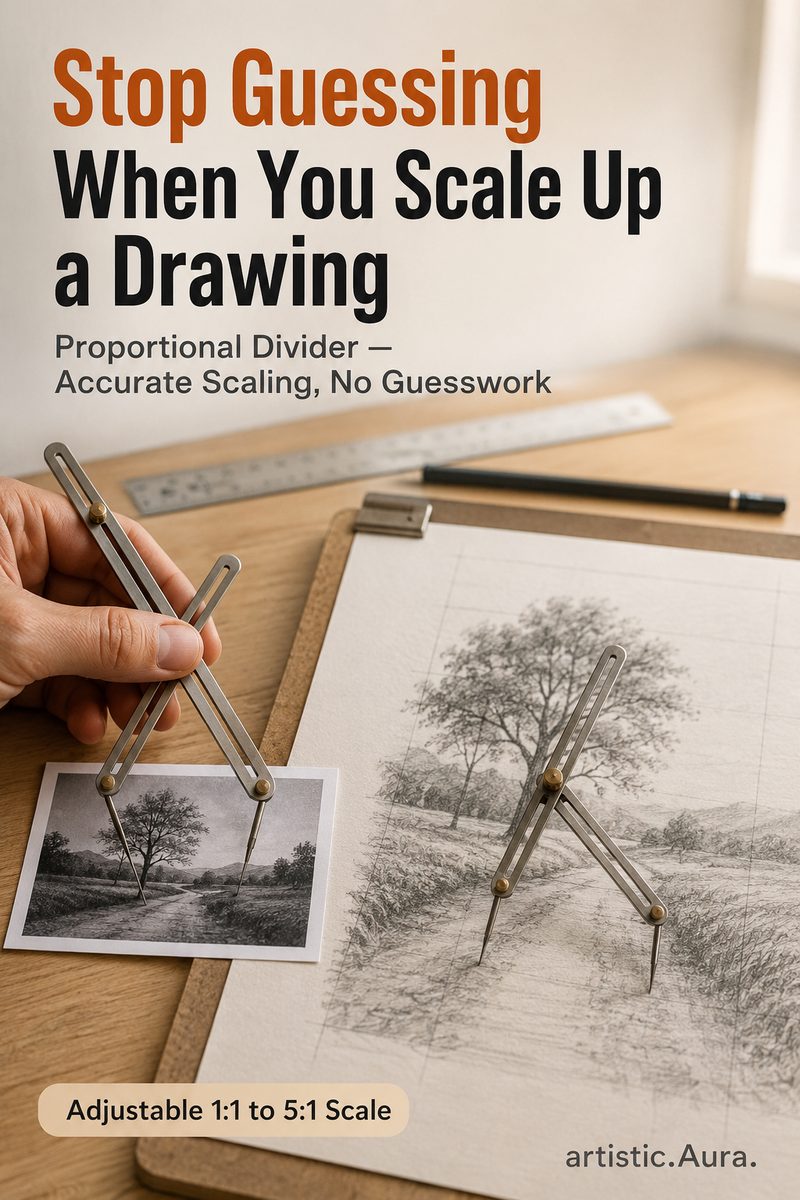
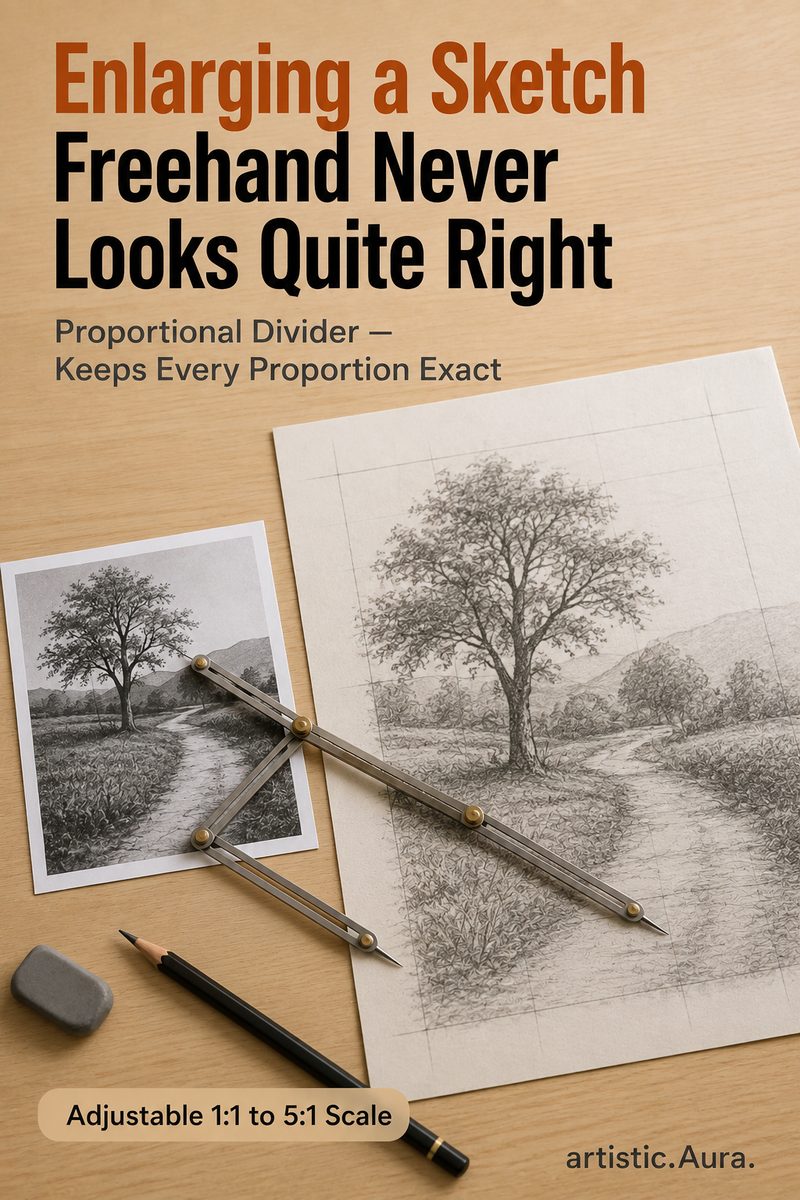
Scaling a reference sketch up or down freehand almost never keeps proportions accurate — a face that looks right at reference size can end up subtly distorted once redrawn larger. A proportional divider fixes this mechanically: you measure a distance on the reference with one end, and the other end automatically marks the exact scaled distance on the larger (or smaller) drawing, based on where you've set the pivot.
Note on pricing: the India listing (iyes.top brand) tends to run noticeably higher per unit than the US listing (Pixiss brand) — that gap looks like import markup rather than a product difference, worth checking before comparing the two links on price alone.
Who Should Buy This
✓ Good fit if…
portrait and figure artists scaling a reference photo to canvas size, muralists enlarging a sketch, and anyone who has redrawn something larger only to notice the proportions were off.
✗ Consider alternatives if…
digital artists who can scale a reference with a simple resize tool in software, or anyone whose reference and drawing are already the same size, since the tool solves a specifically freehand/traditional scaling problem.
Advantages
- Mechanical Proportional Scaling
- Adjustable Pivot Point
- Metal Construction
- Reusable for Any Reference Size
Understanding the Key Specs
Build material (metal vs. plastic) affects how well the tool holds its set ratio during use — a flexible plastic divider can drift slightly, which compounds into a visibly wrong scale over a large drawing.
Limitations
The India listing tends to run noticeably more expensive per unit than the US listing — that gap looks like import pricing rather than a difference in the tool itself, worth checking before comparing the two links on price. The two links are also different brands (iyes.top in India, Pixiss in the US).
Detailed Feature Breakdown
Mechanical Proportional Scaling
The two arms pivot around a single adjustable point, so any distance measured on one end is automatically converted to a fixed ratio on the other — no mental math or measuring twice.
Adjustable Pivot Point
Moving the pivot changes the scaling ratio (e.g., 1:2 doubles the size), and most dividers have a printed scale on the arms to set common ratios precisely.
Metal Construction
A rigid metal build holds the set ratio steady during use, where a flexible plastic version could drift slightly and throw off measurements.
Reusable for Any Reference Size
Because the ratio is adjustable rather than fixed, the same tool works whether you're scaling a small photo reference up to a large canvas or scaling a large object down for a study.
Real-World Use Cases
portrait and figure artists scaling a reference photo to canvas size, muralists enlarging a sketch, and anyone who has redrawn something larger only to notice the proportions were off. Common in portrait and figure work when enlarging a reference photo to canvas size, and in muralism when scaling a small sketch up to wall size, where freehand scaling errors compound visibly across a large surface.
How Beginners vs. Professionals Choose
Beginners often reach for a grid method first since it requires no extra tool, but a proportional divider is faster once you're comfortable with it, especially for measuring many individual points rather than a whole grid.
Common Buying Mistakes
A common mistake is not re-checking the pivot setting partway through a large drawing — a pivot that's drifted even slightly compounds into a noticeably wrong scale by the far edge of the piece.
Buying Considerations
Before buying anything in the graphic tablets & design gear category, confirm current price, seller, and return policy directly on the Amazon listing — those details can change after this page was published on 2026-09-04.
Setup & Compatibility
A physical drawing supply — no device, software, or connector compatibility applies.
Set the pivot screw to the ratio you need (most come with a printed scale on the arms for common ratios like 1:2 or 1:3), then measure a distance on your reference with the short end — the long end marks the corresponding scaled distance on your drawing.
Maintenance & Care
Keep the pivot screw snug but not over-tightened — a loose pivot will drift out of the set ratio mid-use, while an over-tightened one can be hard to adjust. Store flat to avoid bending the arms.
Frequently Asked Questions
Is this available to ship outside India?
Yes — this page includes both an India Amazon link and a separate US Amazon link, and the "Buy on Amazon" button below routes automatically based on your location.
Is this an affiliate link?
Yes. See the affiliate disclosure below — buying through the link may earn this site a small commission at no extra cost to you.
What ratios can this tool typically achieve?
Most proportional dividers cover a range printed directly on the arms — commonly from about 1:1 up to roughly 1:10, letting you set the exact scale-up or scale-down ratio you need for a given reference and canvas size.
Does this replace a grid method for scaling?
It's a different approach to the same problem — a grid method overlays a reference and canvas with matching grid lines, while a proportional divider measures individual distances directly. Some artists use either, or both together for cross-checking.
Alternatives & Similar Products
How It Compares
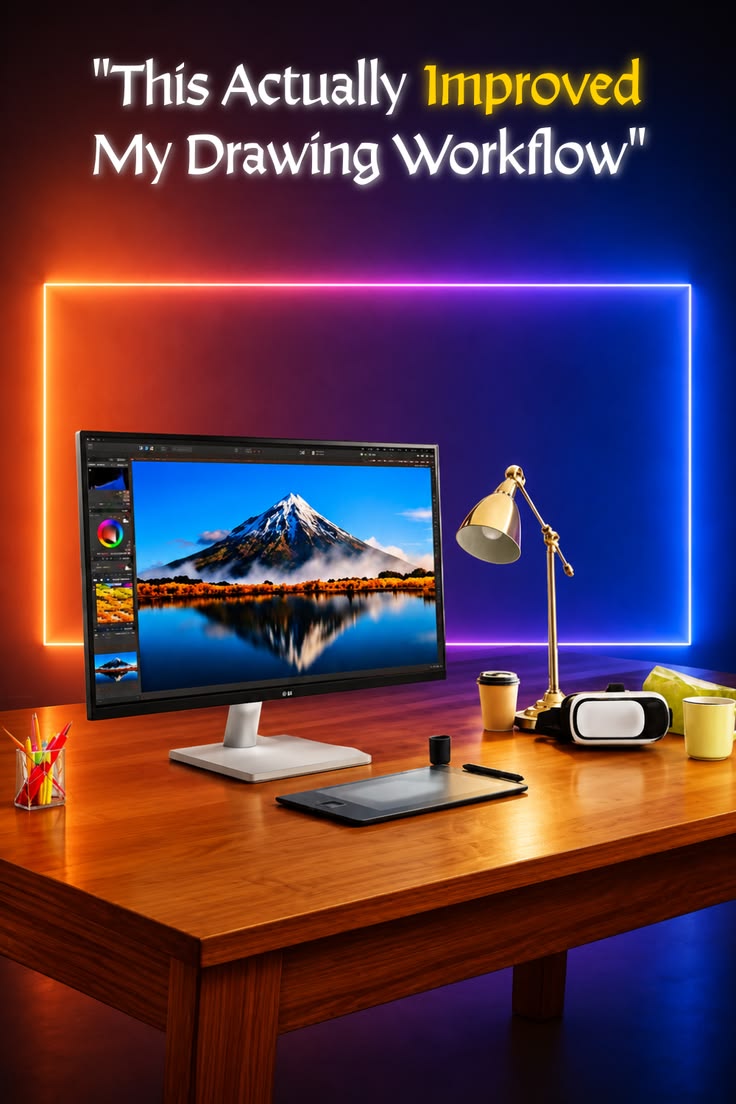
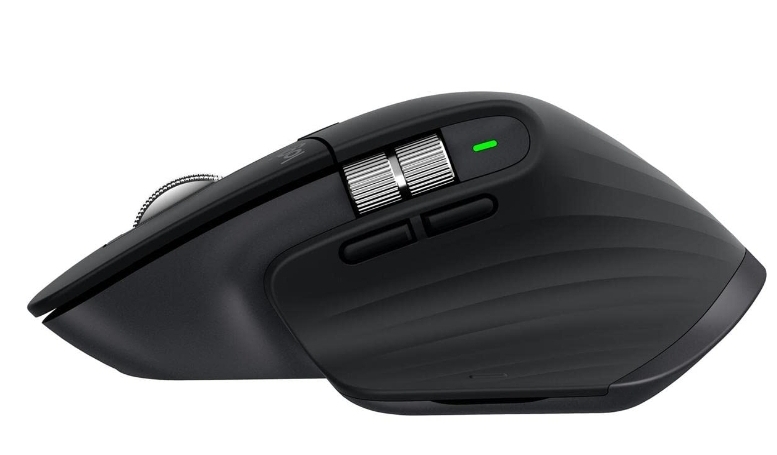
| Feature | Proportional Divider Artist Drawing Tool | LG 27US500 UltraFine 4K Monitor (27 Inch) | Logitech MX Master 3S Mouse |
|---|---|---|---|
| Category | Graphic Tablets & Design Gear | Graphic Tablets & Design Gear | Graphic Tablets & Design Gear |
| Key feature #1 | Mechanical Proportional Scaling | 4K UHD 3840x2160 IPS Panel | 8K DPI Any-Surface Tracking |
| Key feature #2 | Adjustable Pivot Point | HDR10 + DCI-P3 90% Colour | App-Specific Programmable Buttons |
Price and star-rating rows are intentionally omitted — this site doesn't display numbers it can't verify in real time. Check each product's current price and rating directly on Amazon.
Final Verdict
Weigh the features and fit above against your own needs, then check the current price, availability, and customer feedback on the Amazon listing linked below.
Affiliate disclosure: this is an Amazon affiliate link. Buying through it may earn this site a small commission at no extra cost to you — see the full Editorial Policy.
Related Buying Guides & Articles
No published buying guide or article covers this specific product type yet — check the blog for updates.